Dear VS Code community,
SonarQube for IDE: VS Code 4.26 is now available!
Our goal in the next few releases is to make the remediation of SonarQube issues easier by having one centralized view for all raised issues. Therefore, we introduced a new SonarQube panel that will only get better over the next few weeks.
In this version, if you are using SonarQube Server or Cloud in connected mode with SonarQube for IDE, you can see Security Hotspots and Taint Vulnerabilities in one place. There is no longer a dedicated view for Security Hotspots, and you can differentiate between their nature as it’s directly indicated after the issue title.
Moreover, by simply clicking on the issue, the rule description is opened in your IDE.
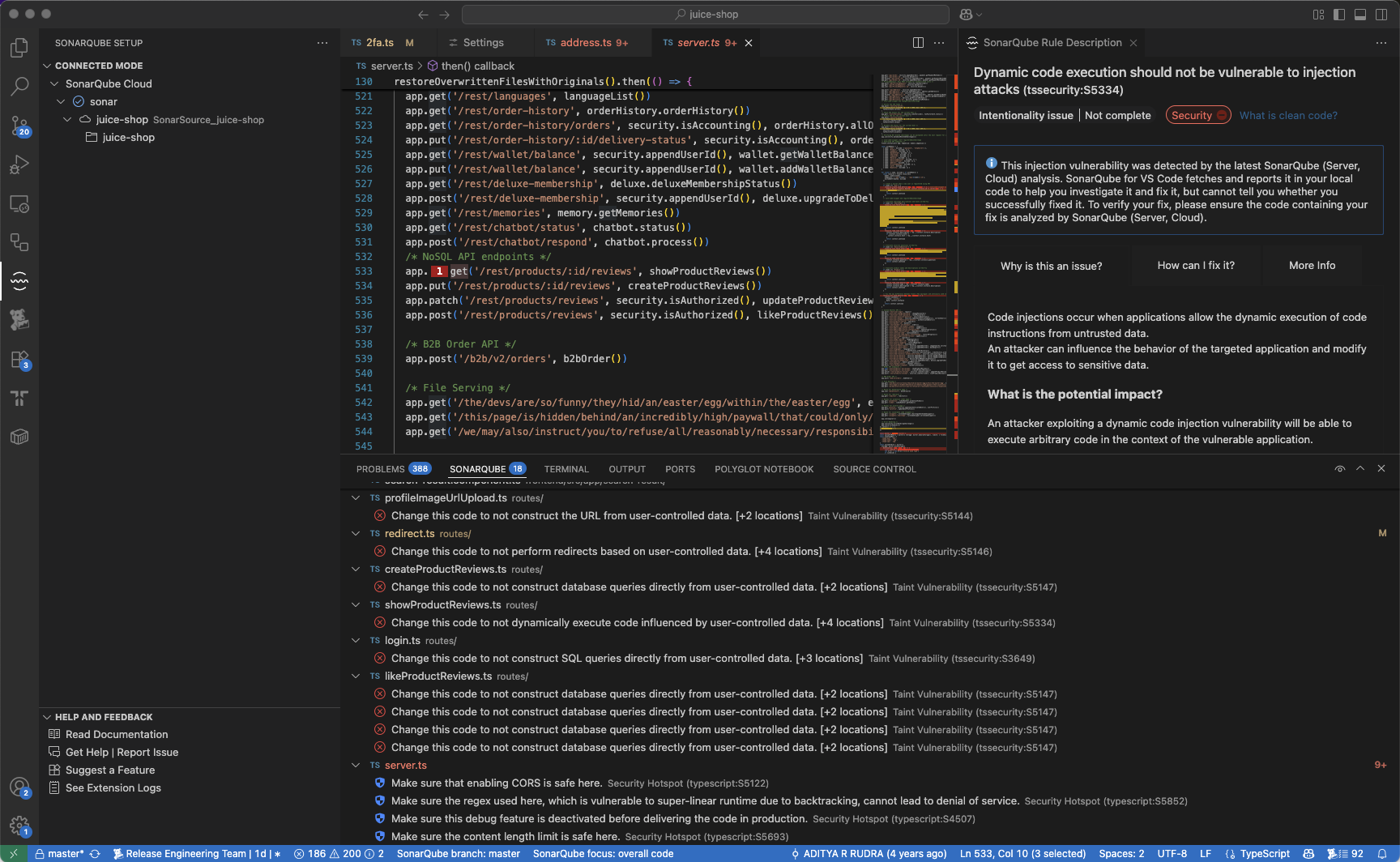
On right click, find important actions such as changing the issue status or applying a fix with AI CodeFix.

We also brought the Focus on New Code feature to the SonarQube view filters.
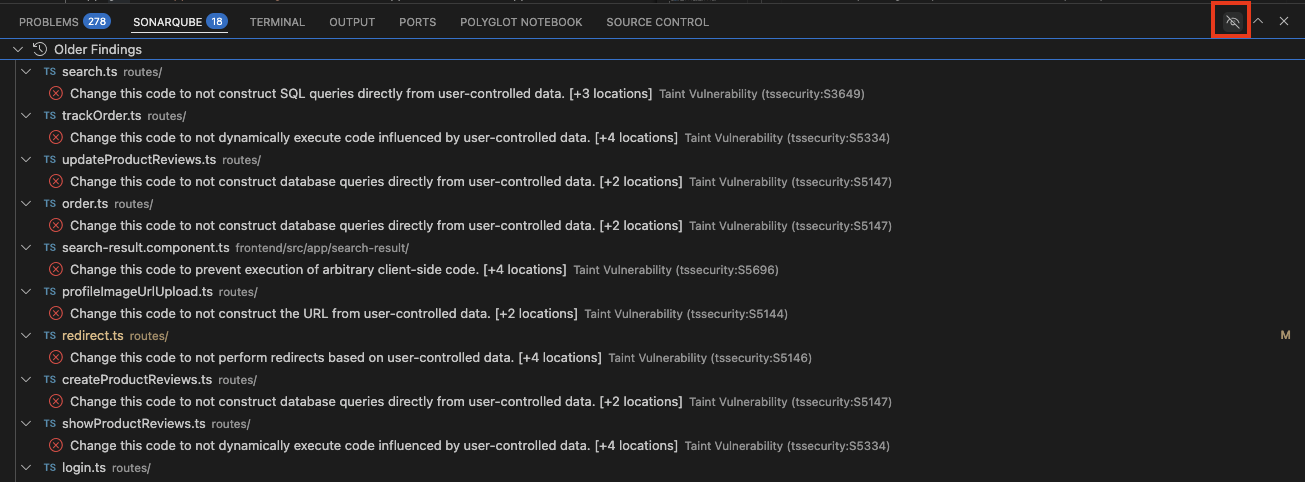
For now you can only use this view in connected mode but stay tuned for next releases.
You can find the full SonarQube for IDE: VSCode release notes here.
Thank you for your continued support!
Farah