SonarQube Cloud, SonarQube Server, or SonarQube Community Build? (if one of the latter two, which version?):
SonarQube Server Community Edition v9.9.8 (build 100196)
And a thorough description of the problem / question:
Although being able to connect to the server for server side rules and analyzing local files that I open, the issues aren’t shown on the code editor panel or in the sonarqube tab.
The only way I know that the extension works is by going to the output tab and selecting sonarqube for IDE filter from it. After selecting this filter, if I make changes a new analysis is triggered and I can see the number of issues change every time I make some deliberate mistake. However I don’t have any method on to know which line triggers which rule.
A few months back I was using the same setup (but with different IDE and extension versions) and the issues would light up on both code editor panel (the lines which were affected) and also the problems tab.
I have also included the verbose log from IDE startup.
I have tried changing node executable versions, changing to a few older extension versions, deleting and setting up the server connection again but it didn’t work.
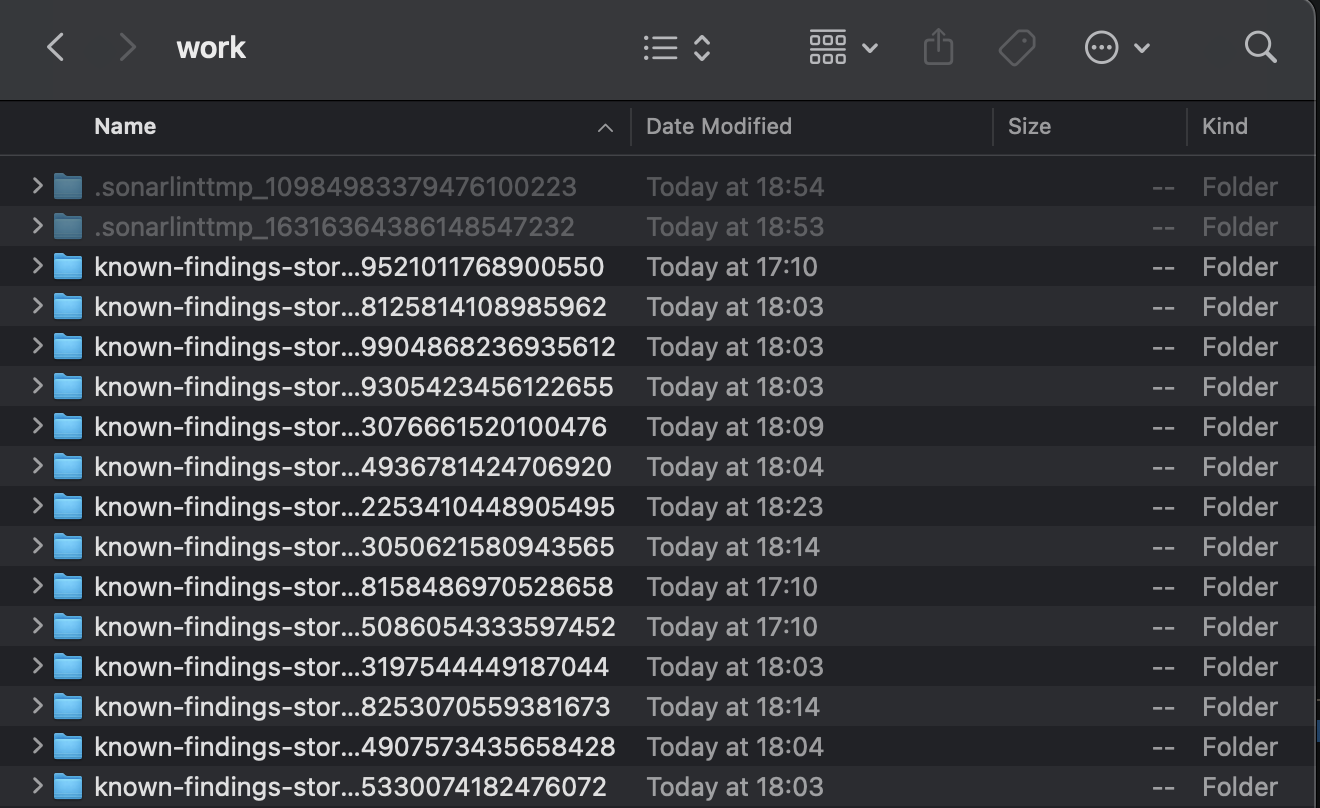
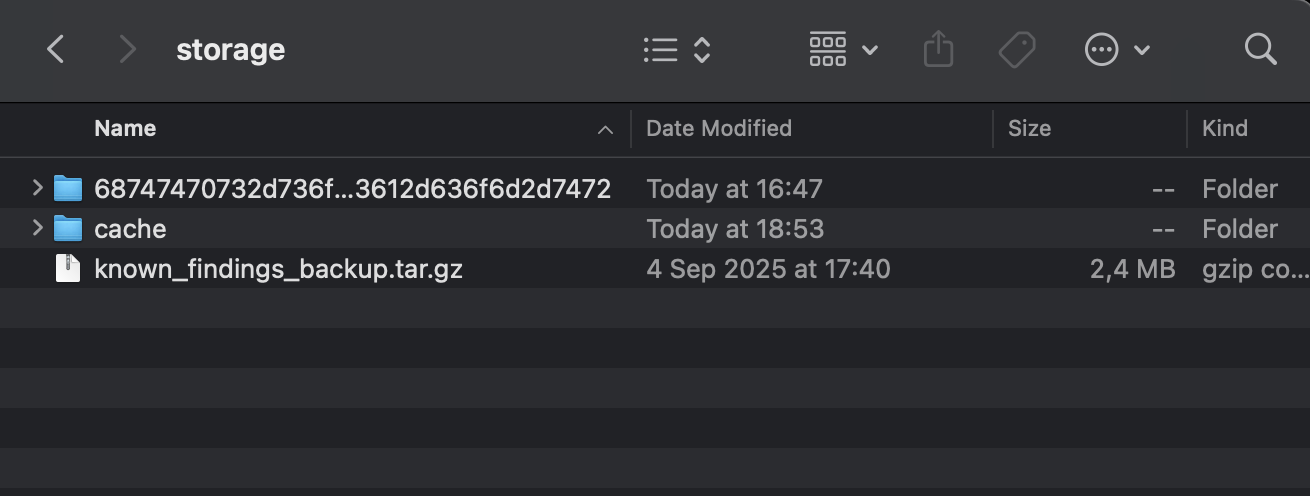
I have tried those steps as well before, and now did it again. Unfortunately the problem still persists. There are some .sonarlinttmp and known-findings folders under .sonarlint/work should I delete them as well?
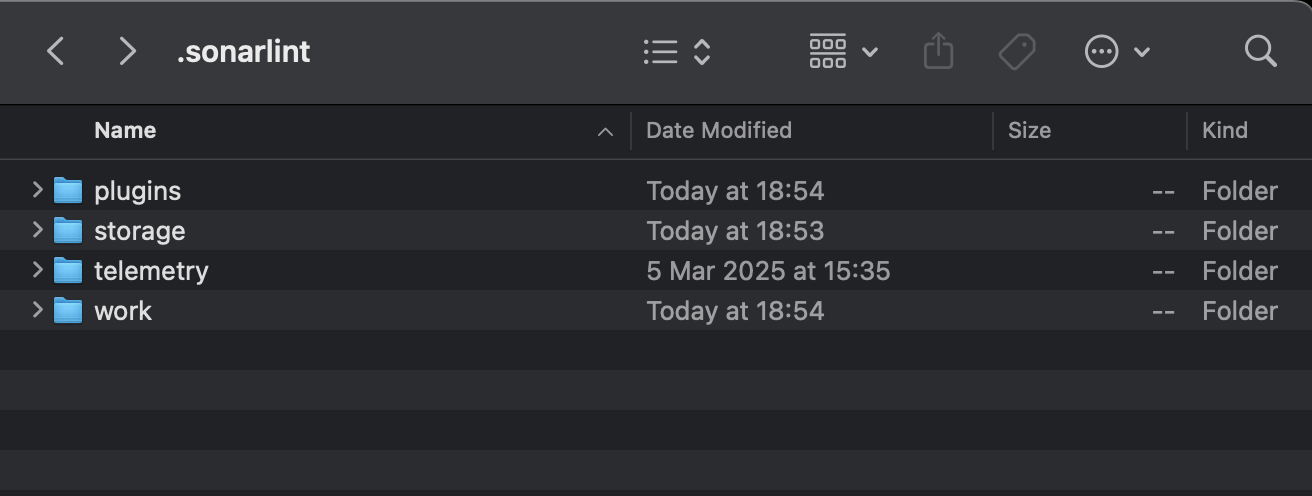
I don’t know exactly how I fixed this, but I uninstalled then deleted all sonarqube for IDE settings, and all .sonarlint folder, reinstalled an older version, connected it to the server from scratch, updated the extension and here it works now
And please be assured that we do not expect users to have to do this anytime they face an issue We are working hard to improve the experience. So your feedback is very appreciated.


 Could you try following these


 Will get it fixed!


 We are working hard to improve the experience. So your feedback is very appreciated.