I do not see Administration.

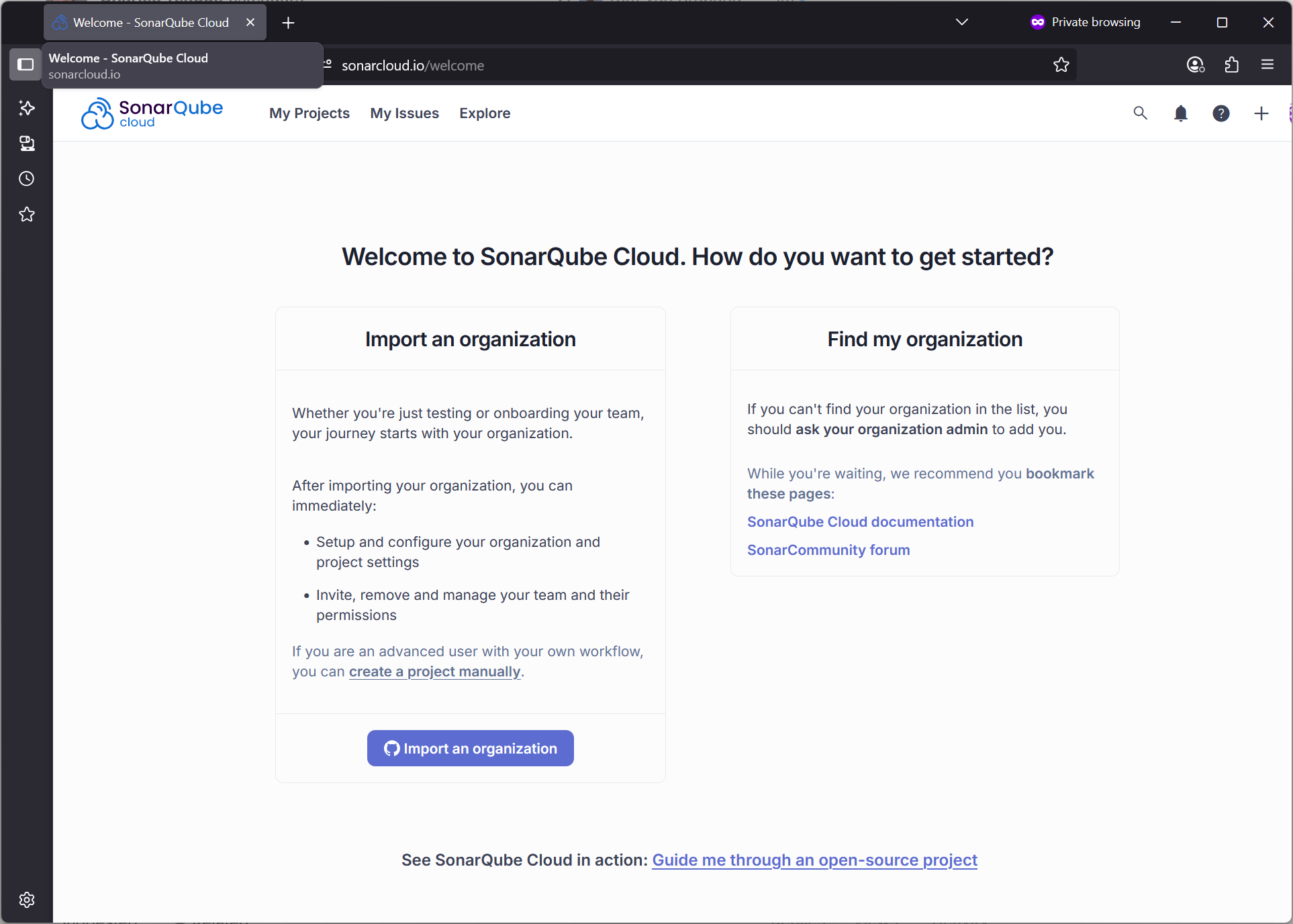

If I click csteaguecowtwo, the browser navigates to github, and NoeticNet cancels a request.

Hi @csteague7,
I do not see Administration.
You’ll see this when navigating to your organization. You can get there by clicking your profile picture on the top-right.
Uninstalling the GitHub application has to be done through GitHub. You can do this by going to your GitHub organization > Settings > Applications > SonarQube Cloud.


I am not sure how to resolve our issue, importing repo’s here at Noetic. So, we are blocked from using Sonar.
Hi @csteague7.
There is no need to create a new organization on SonarQube Cloud.
You should go to your existing organization on SQC. You can do this by
- Clicking on your profile picture on the top right
- Choosing the organization that you want to bind to GitHub
- Clicking Administration > Organization Settings > Organization Binding
Starting from this location will end up with you binding the existing organization, instead of creating a new one.
Please make sure you start from a clean slate again on GitHub side by uninstalling the SonarQube Cloud application again.
Hope that helps
Thanks for the recommendation. I was not a GitHub repo owner for our company, so I deleted my account, and our GitHub owner recreated a Sonar Cloud Team account, and added me as an admin. He also began the import for our first project. We have a devops team member who plans to connect GitHub actions to analyze our first repo in Sonar.