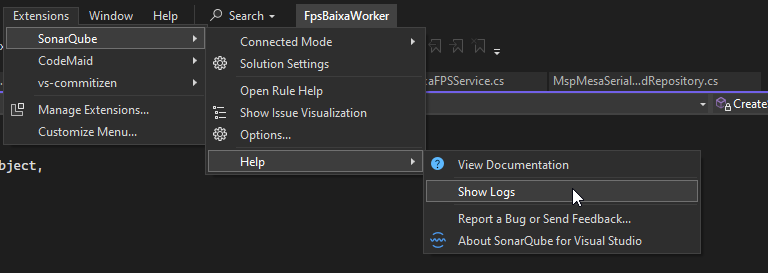
After connecting to the company’s dedicated sonar server and performing the ConnectMode/Bind process, Sonar only displays this message below, please can you help me?

Status Connect Mode:

sonar-log.txt (3.6 KB)
After connecting to the company’s dedicated sonar server and performing the ConnectMode/Bind process, Sonar only displays this message below, please can you help me?
Status Connect Mode:
sonar-log.txt (3.6 KB)
Hey there.
Connected to SonarQube ‘10.4.1.88267’.
This is a really old (and EOL) version of SonarQube. Since it has not been an active version since 10.6 was released, we probably aren’t paying too much attention to compatibility here.
Does it work when Connected Mode is not enabled? Have you actually opened up a file to be analyzed?
server sonar version

Coming back to this:
please where I check this informations?
Hello @crmmvio,
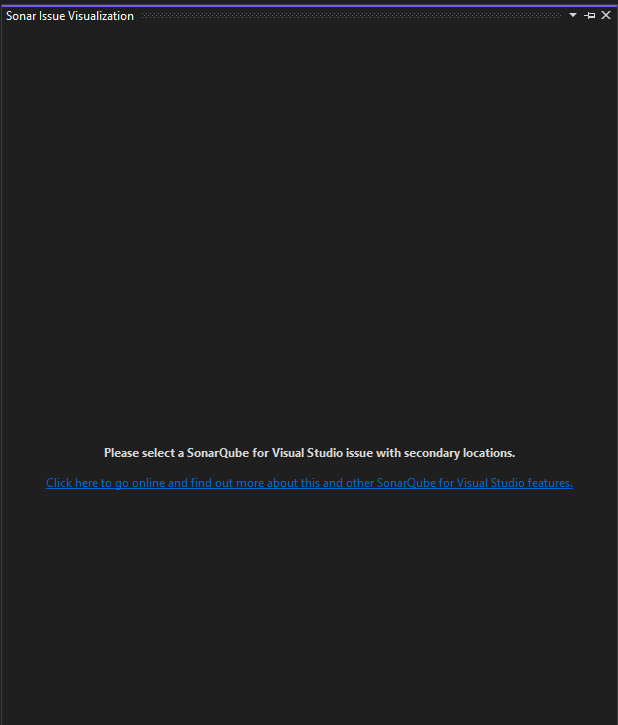
First I would like to clarify that the Sonar Issue Visualization window contains information only when your issues have secondary locations (read more about this window here)
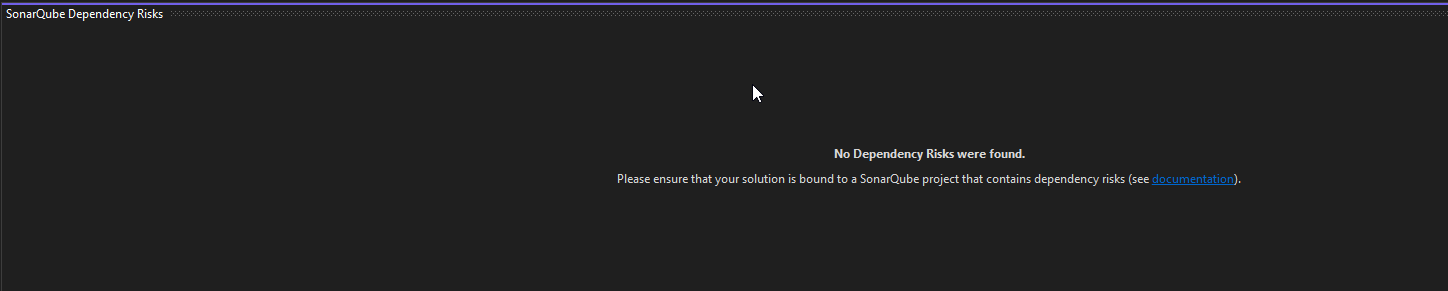
The SonarQube Dependency Risks window contains information only when your project has dependency risks (read more about this window here)
As @Colin mentioned, you have to open a file from your project in your IDE. Then your issues should appear in the Visual Studio’s Error List window. For example, when I open a C# file that has issues detected by SonarQube for Visual Studio I am able to see them in the Error List window: