We have SonarQube Cloud Enterprise Plan
-
ALM used (GitHub, Bitbucket Cloud, Azure DevOps)
GitHub -
CI system used (Bitbucket Cloud, Azure DevOps, Travis CI, Circle CI
GitHub Actions -
Scanner command used when applicable (private details masked)
N/A -
Languages of the repository
N/A -
Only if the SonarCloud project is public, the URL
- And if you need help with pull request decoration, then the URL to the PR too
N/A
- And if you need help with pull request decoration, then the URL to the PR too
-
Error observed (wrap logs/code around with triple quotes ``` for proper formatting)
N/A -
Steps to reproduce
- Created a Custom Quality Profile (Extended from built-in “Sonar Way” profile)
- Activated a new rule (Maximum Cyclomatic Complexity Threshold: 10)
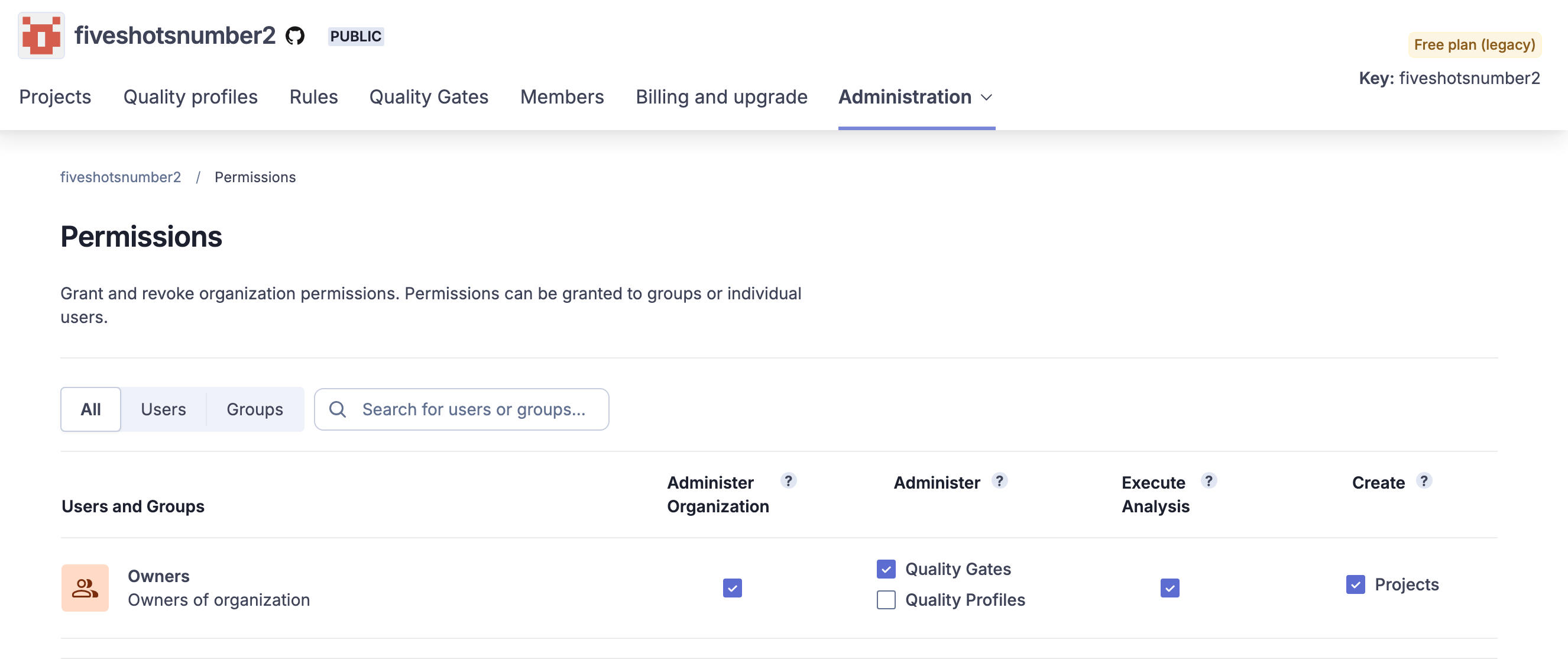
- Selected “Grant permissions to more users” and selected “Owners” group
- Test Scenario 1: Tested a user who was NOT in the “Owners” group to ensure that they could not update the custom Quality Profile
*** The user that I tested did NOT have the Quality Profiles permissions selected, or any other organization-level permission.
***Test Scenario 2:
- Removed the “Owners” group from the Quality Profile and tested the same user in the first scenario.
Expected Results: I expected the Activate/Deactivate buttons to be disabled but this was not the case.
Actual Results: The user could access the custom profile AND edit it (activate/deactivate rules)
There are a lot of projects in our organization that we have to manage (~700 projects). Since there isn’t a way for us to audit profile updates, we want to only allow changes from permitted users. Can you please help us with this issue?